
Description
GoValid QR connects your WordPress site to your GoValid account, letting you generate, embed, and track QR codes without leaving your WordPress admin.
Features
- QR Code Generator — Create QR codes for URLs, text, email, phone, SMS, WiFi, and vCards right from your WordPress admin
- Gutenberg Block — Add QR codes to any post or page with a visual picker
- Shortcode — Embed QR codes anywhere using
[govalid_qr id="uuid"] - Scan Analytics — Dashboard widget showing total scans, recent activity, and top QR codes
- Secure Connection — OAuth 2.0 with PKCE (S256) for secure authentication
- Image Caching — QR images cached locally for fast page loads
- i18n Ready — Fully translatable
How It Works
- Register an OAuth application in your GoValid dashboard
- Enter your Client ID and Secret in the plugin settings
- Click “Connect with GoValid” to authorize
- Start creating and embedding QR codes!
Requirements
- A GoValid account
- WordPress 5.8 or later
- PHP 7.4 or later
External Services
This plugin connects to the following external services:
GoValid API (my.govalid.org)
This plugin communicates with the GoValid platform to generate, manage, and verify QR codes.
What data is sent and when:
- OAuth authentication — When connecting your account, the plugin exchanges an authorization code and refresh token with GoValid’s OAuth server (
/oauth/token/). No personal WordPress user data is sent. - QR code generation — When creating a QR code, the plugin sends the QR type, name, security level, and any metadata you enter (e.g. product info, certificate data, timeline entries) to the GoValid API (
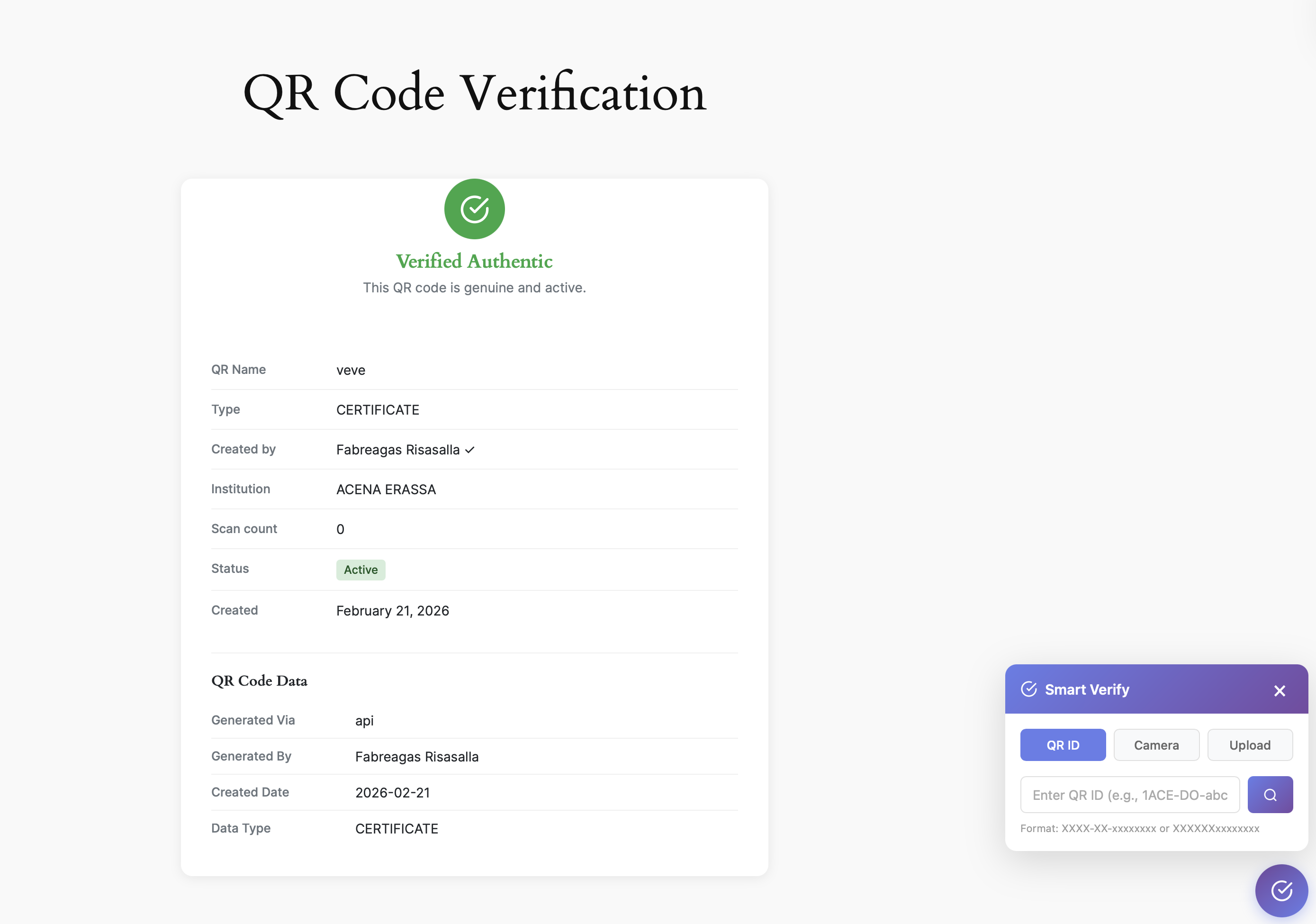
/api/v1/qr/). - QR code verification — When a visitor loads the verification page (
/v/{token}), the QR token is sent to the GoValid API (/api/v1/ojs/verify-signed/) to retrieve verification results. No visitor personal data is sent. - Analytics and dashboard — Scan statistics and analytics data are fetched from GoValid on admin pages. No visitor data is transmitted from WordPress; scan events are recorded by GoValid when a QR code is scanned directly.
- Promotional ads — Admin sidebar may load promotional content from
/api/v1/plugin/ads/. No personal data is sent.
Service provider: GoValid
Terms of Service: https://govalid.org/terms/
Privacy Policy: https://govalid.org/privacy/
Esri ArcGIS (server.arcgisonline.com)
The analytics map uses a satellite tile layer provided by Esri ArcGIS Online. Map tiles are loaded directly in the admin user’s browser when viewing the Analytics page. No data from your WordPress site is sent to Esri; tile requests include only the map coordinates being viewed.
Service provider: Esri
Terms of Use: https://www.esri.com/en-us/legal/terms/full-master-agreement
Privacy Policy: https://www.esri.com/en-us/privacy/privacy-statements/privacy-statement
Nominatim / OpenStreetMap (nominatim.openstreetmap.org)
When a QR code submission contains location data, the plugin may perform a reverse-geocoding lookup using the Nominatim API to convert GPS coordinates into a human-readable address. This request is made server-side. The latitude and longitude coordinates are sent to Nominatim; no other user data is transmitted.
Service provider: OpenStreetMap Foundation (Nominatim)
Terms of Use: https://operations.osmfoundation.org/policies/nominatim/
Privacy Policy: https://wiki.osmfoundation.org/wiki/Privacy_Policy
NexHub (nexhub.earth)
The plugin admin sidebar may display promotional content about NexHub. Preview images for this promotional content are bundled locally with the plugin and no requests are made to nexhub.earth at runtime.
Service provider: NexHub
Terms of Service: https://nexhub.earth/terms/
Privacy Policy: https://nexhub.earth/privacy/
Bundled Libraries
This plugin bundles the following third-party JavaScript library:
- jsQR v1.4.0 — QR code decoding library used on the public scan page.
Source: https://github.com/cozmo/jsQR
License: Apache-2.0
Screenshots
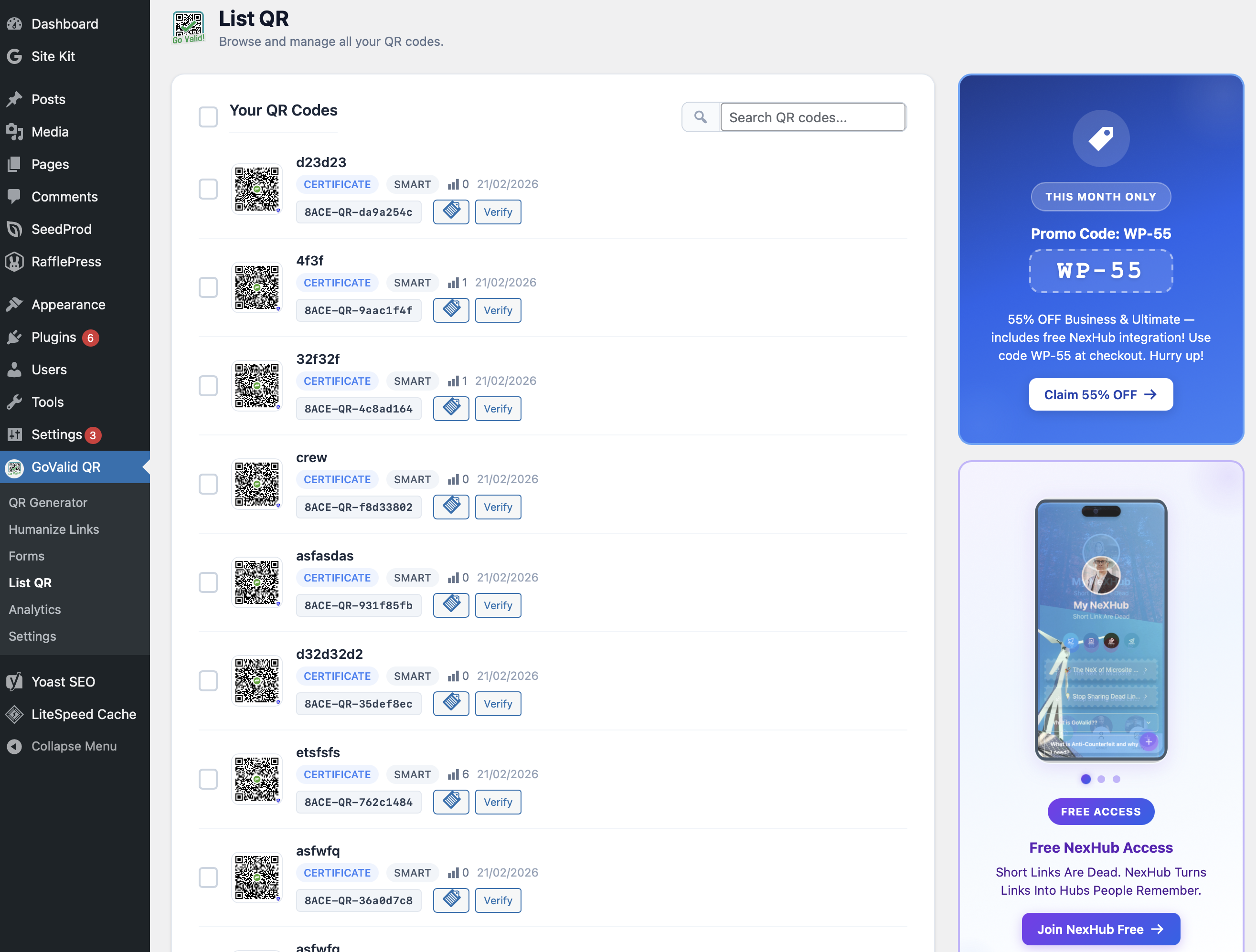
Settings page — connect to your GoValid account 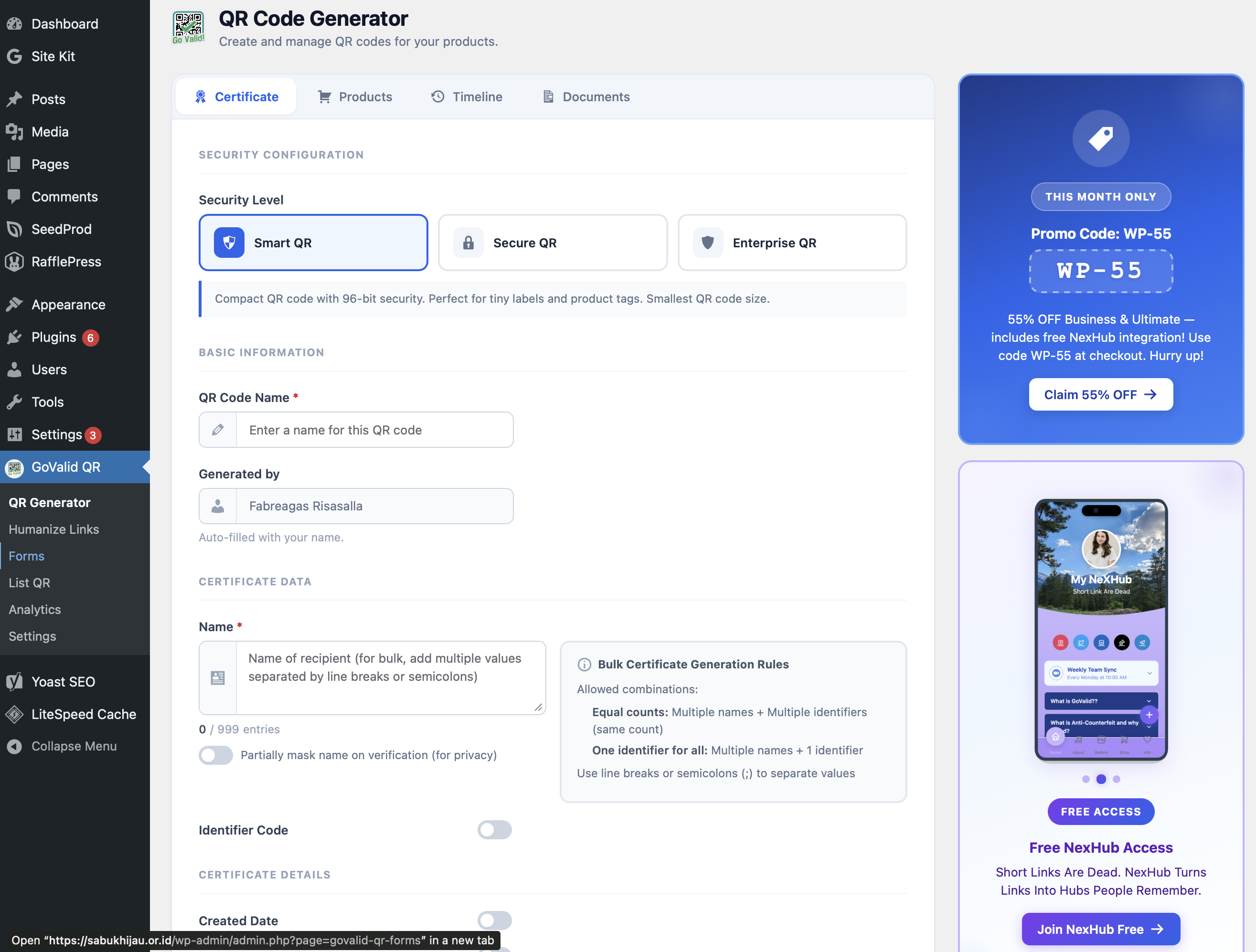
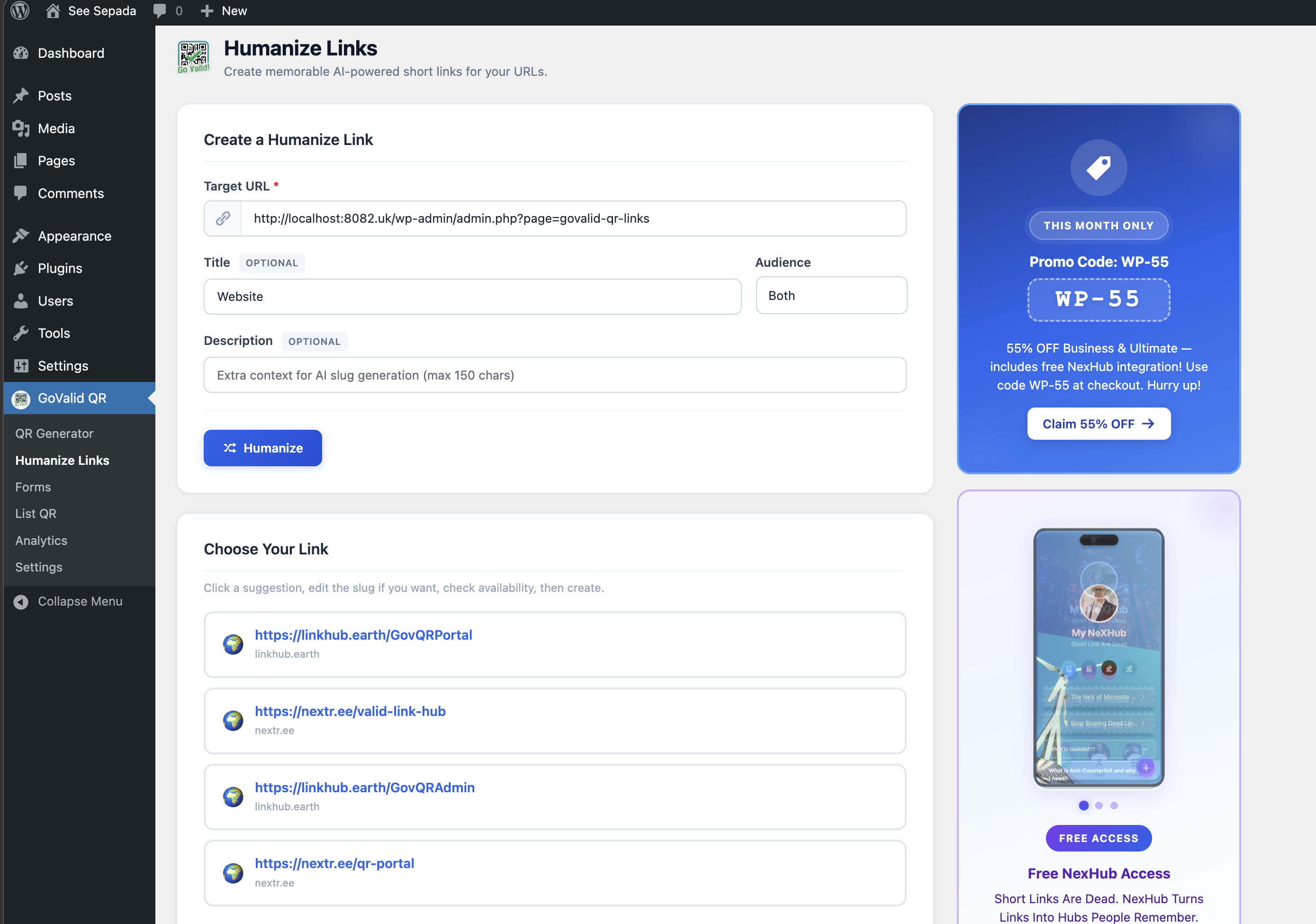
QR Code Generator — create QR codes from the admin 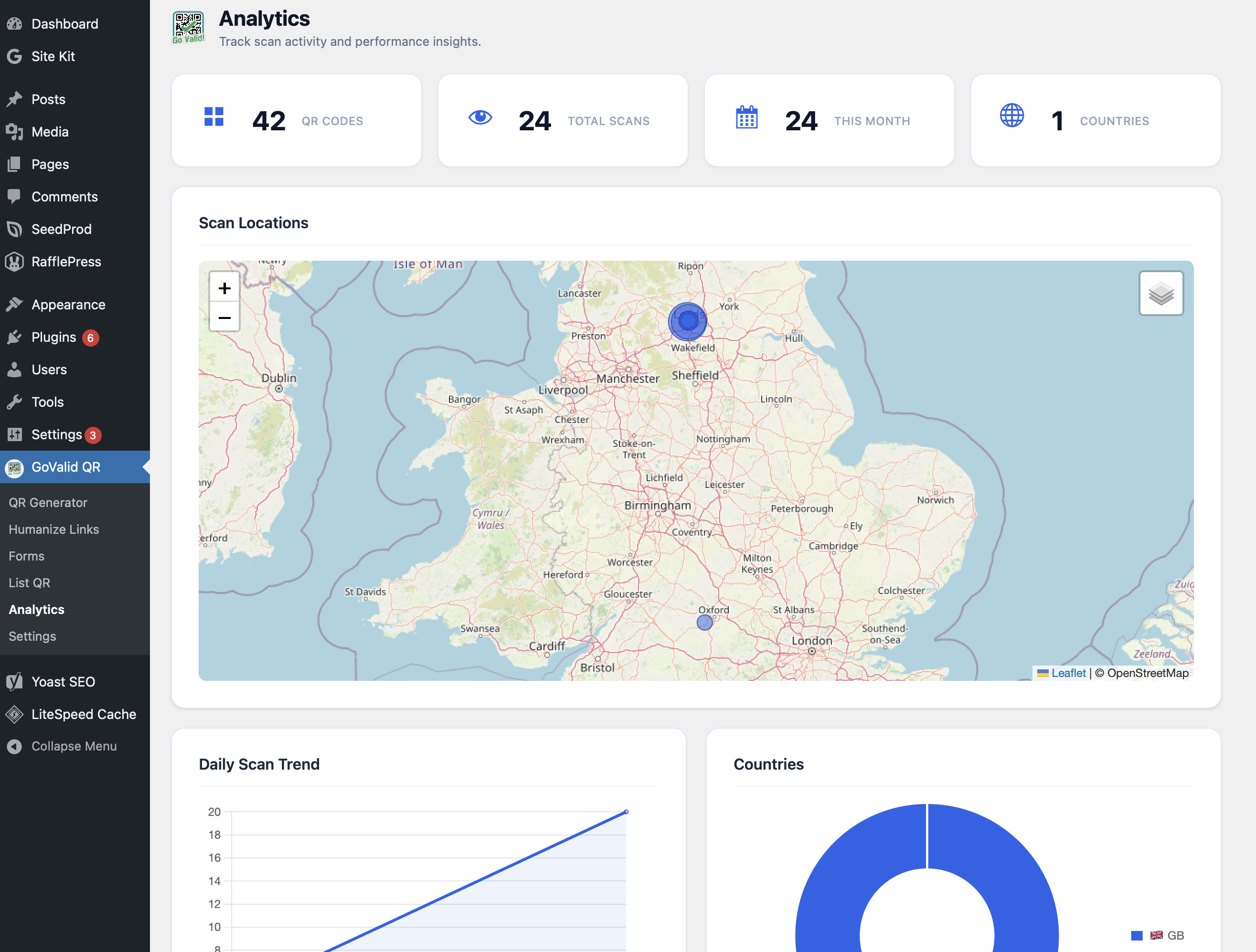
Gutenberg block — visual QR code picker 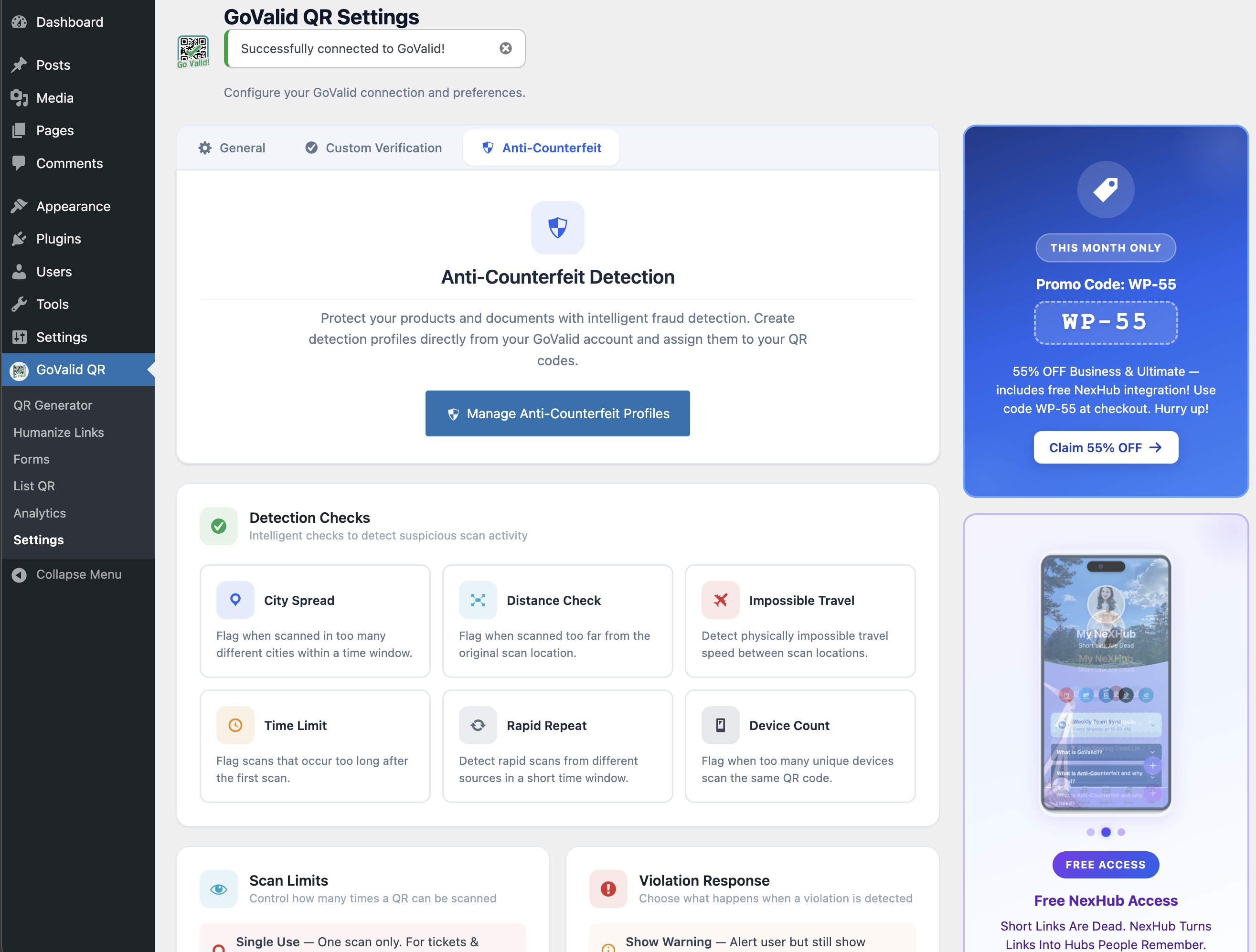
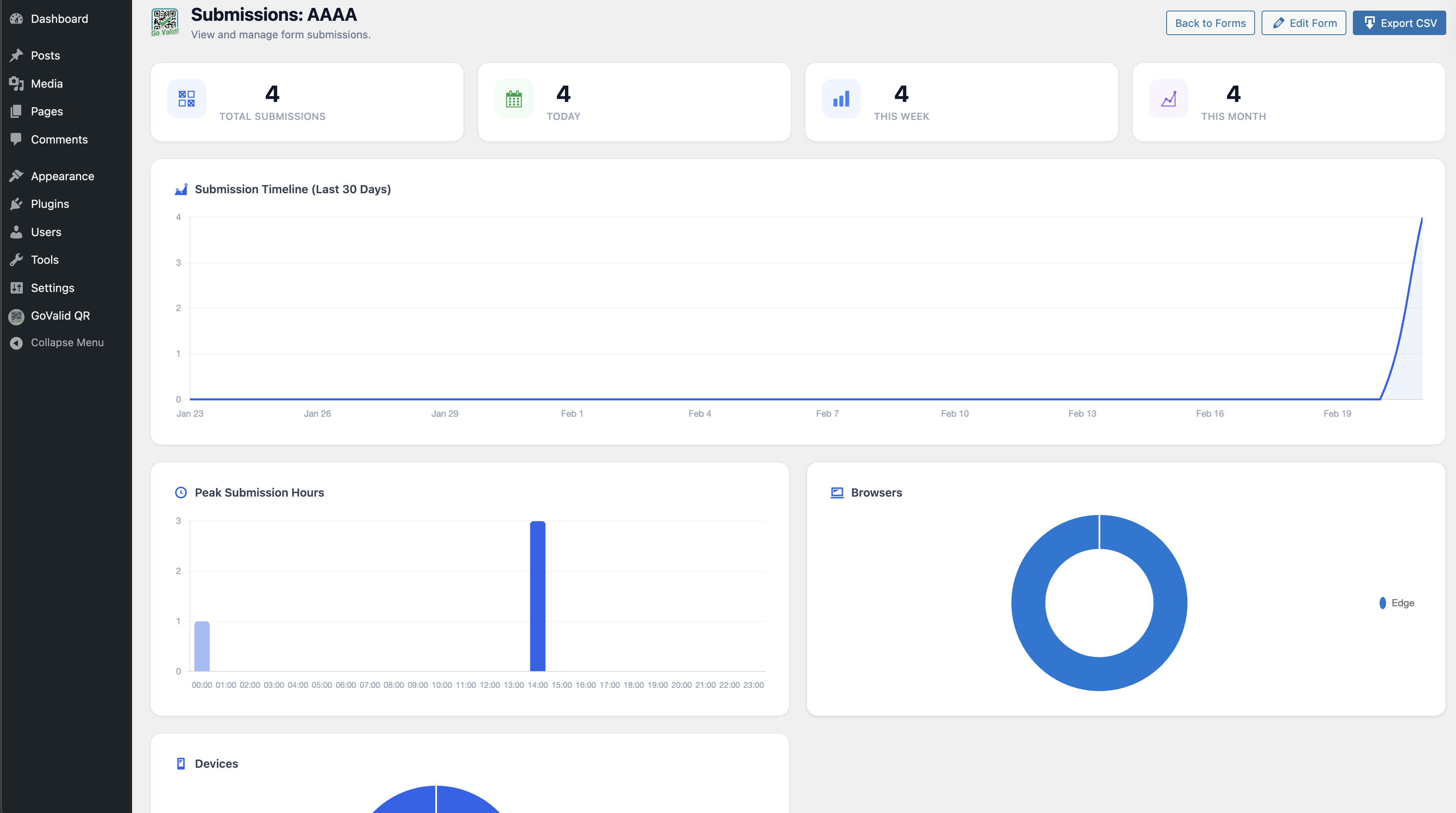
Dashboard widget — scan analytics at a glance 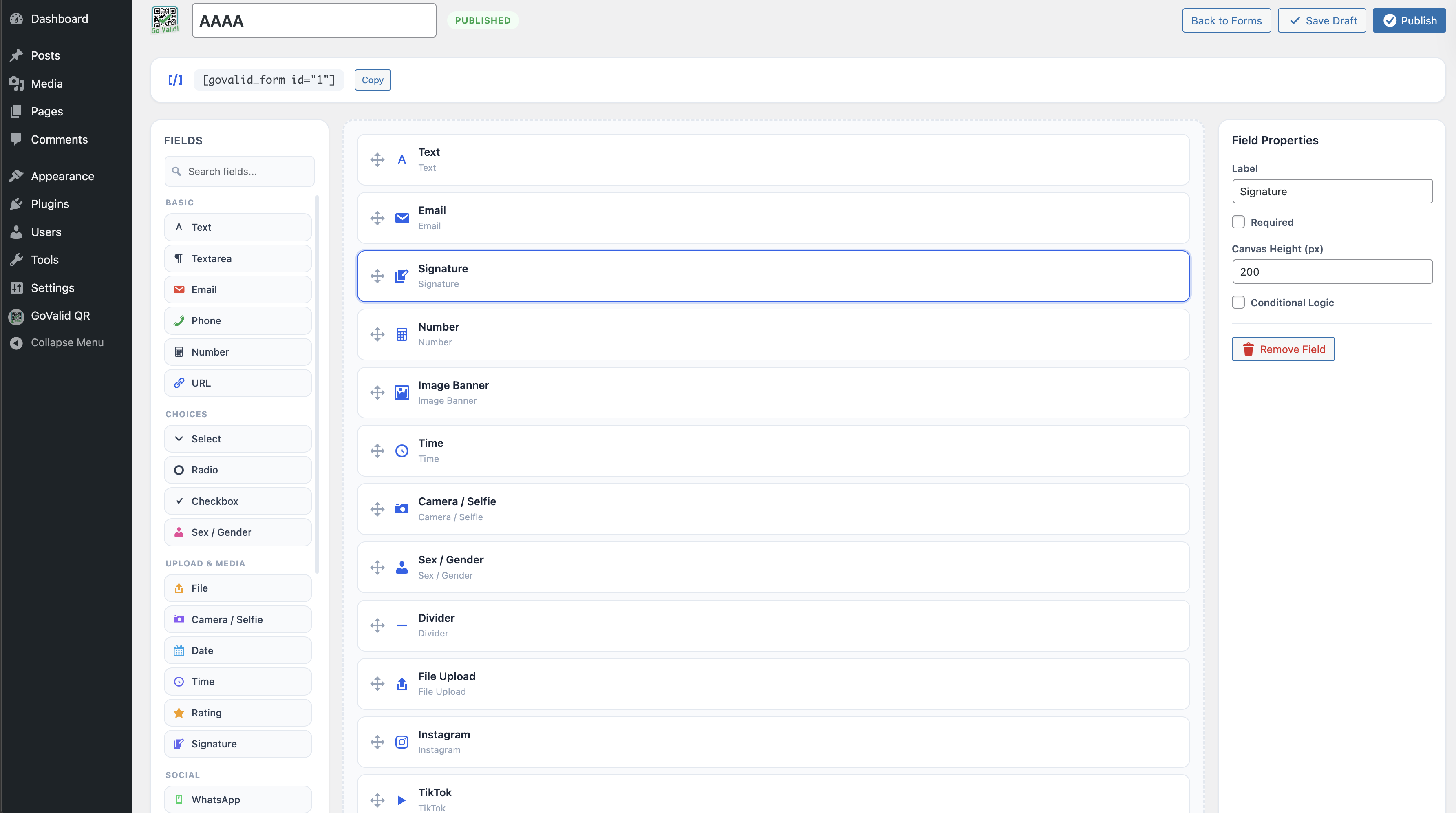
Blocks
This plugin provides 2 blocks.
- GoValid Form Embed a GoValid form to collect submissions.
- GoValid QR Code Embed a QR code from your GoValid account.
Installation
- Upload the
govalid-qrfolder to/wp-content/plugins/ - Activate the plugin through the ‘Plugins’ menu
- Go to GoValid QR > Settings and enter your OAuth credentials
- Click Connect with GoValid to authorize the connection
FAQ
-
Do I need a GoValid account?
-
Yes. You need an active GoValid account to use this plugin. Sign up at govalid.org.
-
How do I get OAuth credentials?
-
Log in to your GoValid dashboard, go to Settings > OAuth Applications, and create a new application. Copy the Client ID and Client Secret into the plugin settings.
-
Is my data secure?
-
Yes. OAuth tokens are encrypted with AES-256-CBC using your WordPress security keys. The connection uses PKCE (S256) for additional security. Your Client Secret is never exposed to the browser.
-
Can I use the shortcode in widgets?
-
Yes. The
[govalid_qr]shortcode works in posts, pages, and any widget that supports shortcodes.
Reviews
There are no reviews for this plugin.
Contributors & Developers
“GoValid QR” is open source software. The following people have contributed to this plugin.
Contributors
Translate “GoValid QR” into your language.
Interested in development?
Browse the code, check out the SVN repository, or subscribe to the development log by RSS.
Changelog
3.6.7
- Fix: Replace direct $_POST/$_FILES superglobal access in public_submit() with WP_REST_Request methods
- Fix: Refactor handle_form_file_upload() to accept file array parameter instead of reading $_FILES
- Fix: Add X-WP-Nonce header to frontend form submission fetch for CSRF protection
- Fix: Add real wp_verify_nonce() check to OAuth callback via transient-stored nonce from handle_connect()
- Fix: Remove all phpcs:ignore/disable suppression comments for NonceVerification on these methods
3.6.6
- Fix: Move all $_GET flash-message reads from partials into render methods with real wp_verify_nonce() checks
- Fix: Add _wpnonce to all wp_safe_redirect() calls in generator, settings, and forms handlers
- Fix: Pass adminNonce via wp_localize_script() and append to JS-generated admin page URLs
- Fix: Replace phpcs:ignore on render_field() and build_status_section() echoes with wp_kses() and custom allowed-HTML arrays
- Fix: Add phpcs:ignore WordPress.Security.ValidatedSanitizedInput.InputNotSanitized on $_FILES tmp_name uses in REST controller
3.6.5
- Fix: Add current_user_can() capability guards to all remaining admin page partials
- Fix: Add phpcs annotation for pre-nonce form_id read in handle_delete_form()
3.6.4
- Fix: Add nfloval1739 to Contributors list
- Fix: Host NexHub promotional images locally (removed remote nexhub.earth image requests)
- Fix: Add detailed phpcs annotations for unescaped echo in shortcode render_field() and build_status_section() methods
- Fix: Add Nominatim/OpenStreetMap and NexHub entries to External Services in readme.txt
- Fix: Add Bundled Libraries section documenting jsQR v1.4.0 (Apache-2.0) source
- Fix: Improve nonce verification phpcs comments in admin partials and REST controller
- Fix: Cast file upload error code to int; add block comment explaining nonce-free REST endpoint design
- Fix: Fix count_forms() SQL using variable interpolation with phpcs annotations
3.6.2
- Fix: Replace all inline and tags with wp_enqueue_script() / wp_enqueue_style() / wp_add_inline_script()
- Fix: Extracted verify-page JS to public/js/verify-page.js with wp_localize_script() for dynamic data
- Fix: Moved form-builder config object to wp_add_inline_script() in enqueue_assets()
- Fix: Moved generator prefill script to wp_add_inline_script() in enqueue_assets()
- Fix: Moved modal overlay CSS to admin/css/govalid-admin.css
- Fix: Updated text domain from govalid-qr to govalid-qr-validator across all 1122 i18n calls
- Fix: Updated Chart.js from v4.4.4 to v4.5.1
- Fix: Added == External Services == section to readme.txt documenting GoValid API and Esri ArcGIS
- Fix: Added clarifying comment on intentionally public form submission REST endpoint
3.1.3
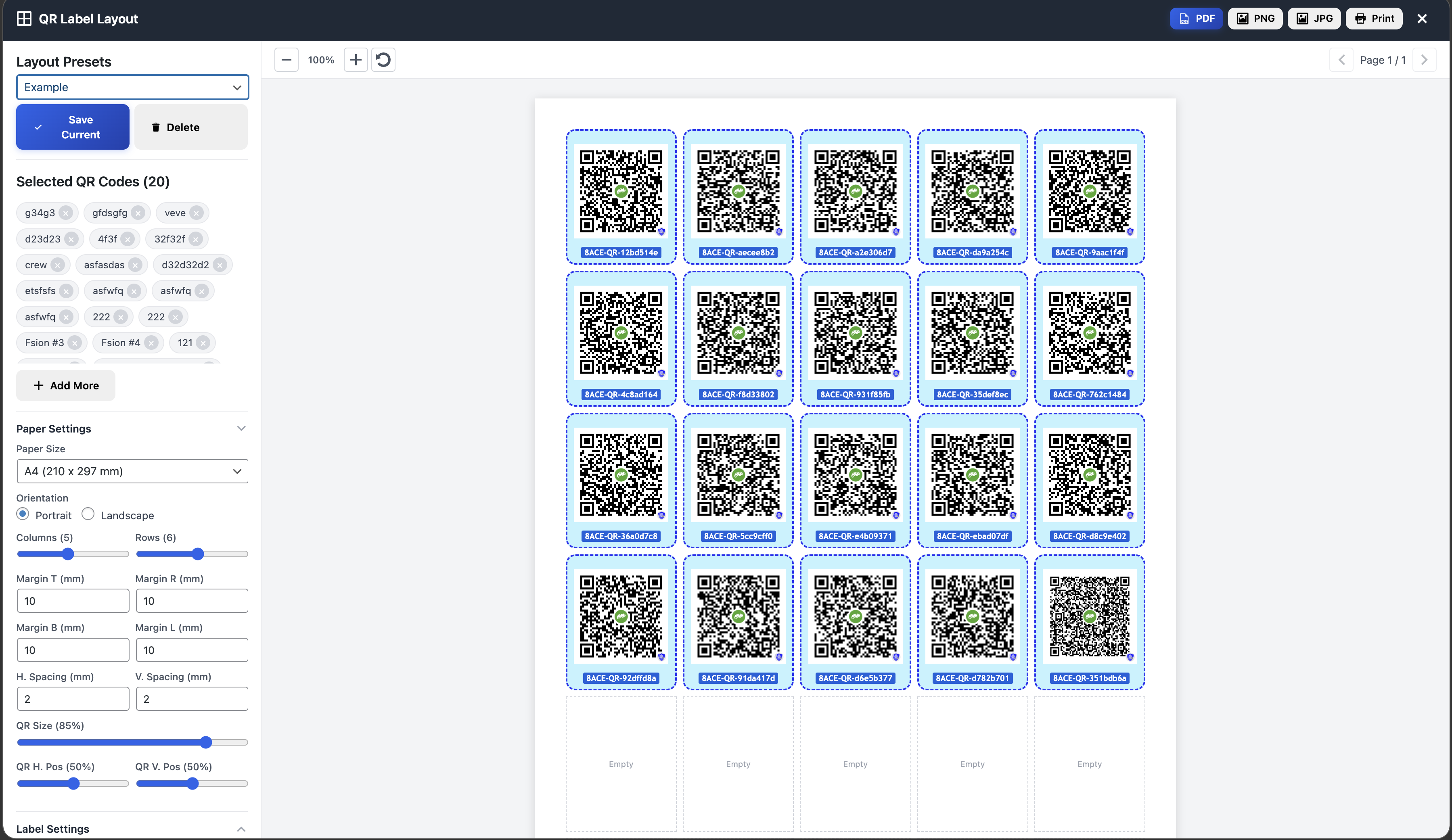
- NEW: QR Label Layout — design and export printable QR label sheets (PDF/PNG/JPG/Print)
- NEW: 16 unique frame styles (Pill, Groove, Ridge, Inset, Outset, Ticket, Elegant, Glow, Stamp + originals)
- Fix: Correct QR card selectors for label layout data collection
3.1.1
- Fix: Replace %i SQL placeholders for WP 5.8 compatibility
- Fix: Bundle SortableJS locally instead of loading from CDN
- Fix: Add missing output escaping across all templates
- Fix: Add translators comments for i18n placeholders
- Fix: Use wp_safe_redirect() instead of wp_redirect()
- Fix: Remove debug error_log() calls from production code
- Fix: Add database query caching and proper LIKE wildcard escaping
- Fix: Prefix all global template variables with plugin prefix
- Fix: Sanitize file upload and URL inputs
- Fix: Add phpcs annotations for nonce-delegated methods and DB queries
2.0.1
- NEW: Shortcode-based verification page — customizable via WordPress page editor
- NEW: [govalid_verify_result] shortcode for full verification card
- NEW: Individual field shortcodes ([govalid_verify_field], [govalid_verify_status], [govalid_verify_alerts], [govalid_powered_by])
- NEW: Custom Verification settings tab with setup guide and shortcode reference
- NEW: One-click verification page creation
- Server-side API verification (no client-side JavaScript needed)
2.0.0
- NEW: Custom verification page — serve QR verification at yoursite.com/v/{token}
- NEW: Settings toggle to enable/disable custom verification route
- NEW: Smart Verify widget recognizes the site’s own /v/ URLs
- Automatic rewrite rule management on toggle/activation/deactivation
1.0.0
- Initial release
- QR Code Generator with multiple types
- Gutenberg block with visual picker
- Shortcode support
- Dashboard scan analytics widget
- OAuth 2.0 + PKCE connection
- Local image caching